Web App
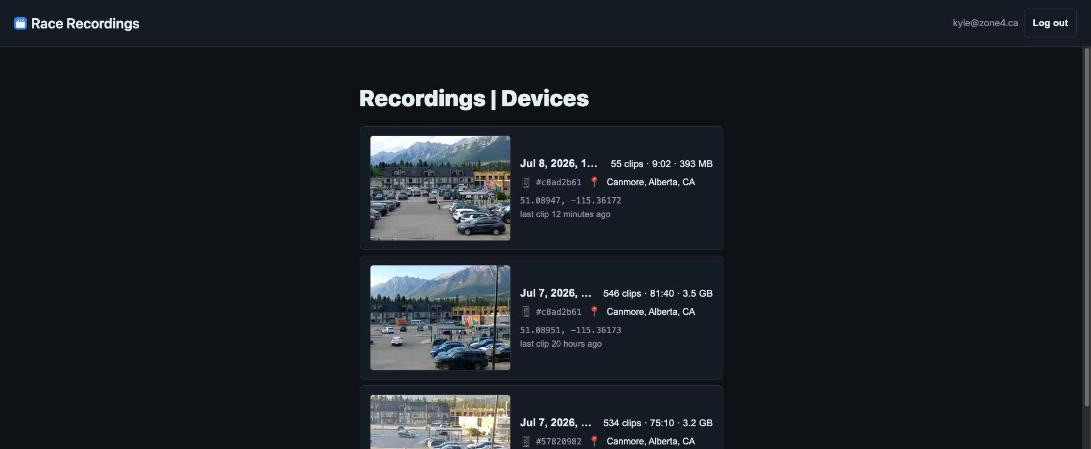
Everything the phones upload lands in the Recordings web app. Open it in any browser and sign in with your zone4 account — you'll see every device's footage in one place, ready to browse, review, and download.
1. The recordings list
The landing page lists every recording — A continuous run of clips from a single phone at a single location. A new recording is started if the phone moves more than 1km or isn't used for more than 6hrs.
Click a recording to open its detail page, where you can review its clips.
2. Inside a recording
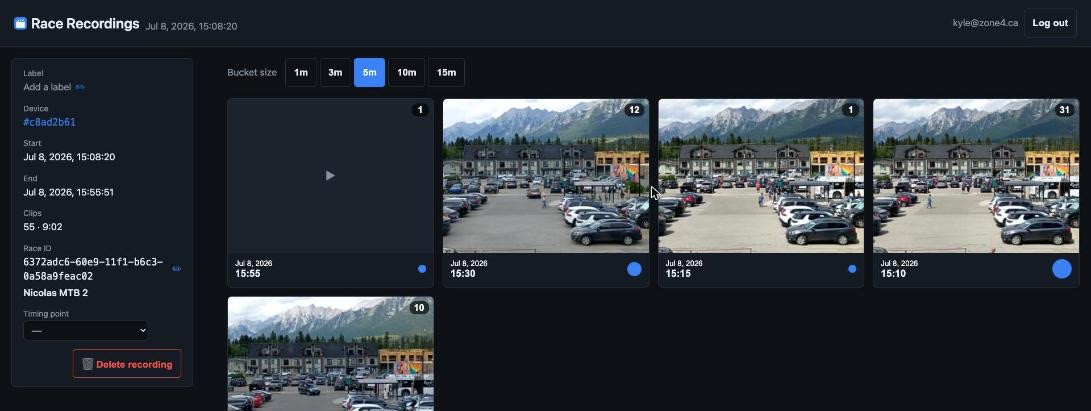
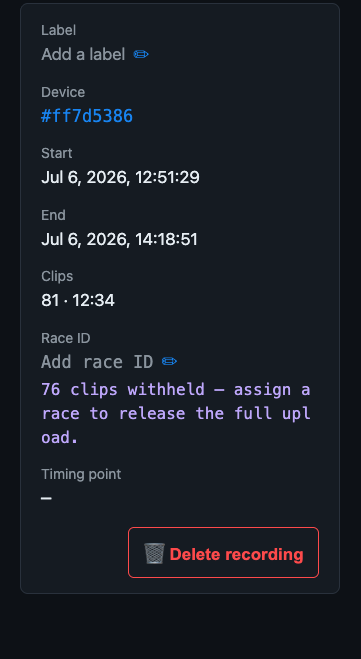
Opening a recording groups its clips into time buckets so you can jump straight to the stretch you care about instead of scrubbing the whole run.
3. Reviewing a clip
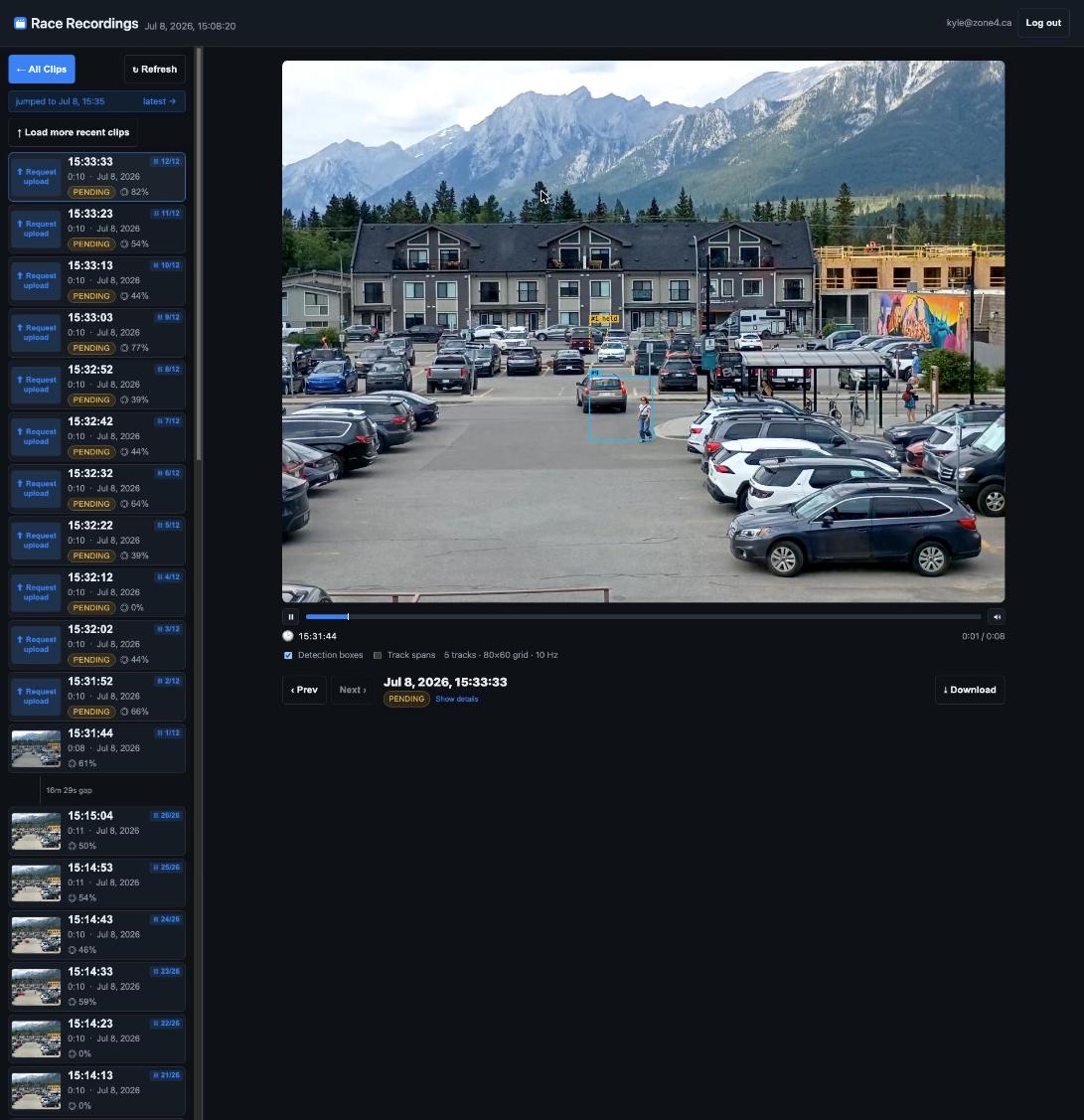
The player plays clips back to back, with the clip list on the left and detection overlays on the video.
-
Clip list (left) —
Each clip shows the following information:
- Thumbnail — a frame from the clip. If the clip has not been uploaded yet because the phone is not on wifi, you'll see a button to request upload instead of a thumbnail. This doesn't happen quickly.
- Clip number — the clip's index in the run, if it's part of a continuous run.
- Recorded at — the real time of day the clip was captured.
- Pending - if the phone has not been uploaded yet, the clip shows a "pending" badge.
- Certainty (percentage) shows the detector's confidence that the clip contains a racer.
- Bib number — if the clip has bib numbers detected, they'll show here.
-
Clip Playback — Click a clip in the list to play it. The player shows detection boxes if the clip has any, and you can scrub through the clip with the timeline below the video.
If multiple sequential clips are available, the player will automatically play them back-to-back, and the playback progress bar will show the total duration of the run. You can also use the Next and Previous buttons to skip between clips.